Step 1
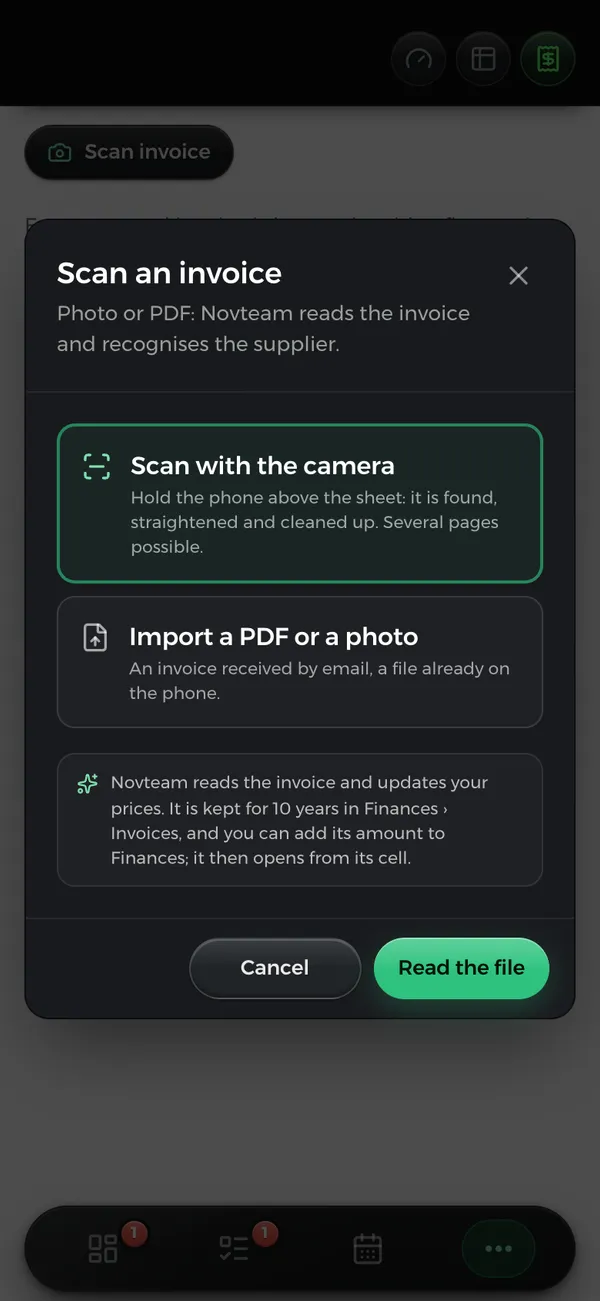
You take a photo of the invoice
Hold your phone over the page: it’s found, straightened and cleaned up. Did it arrive by email? Just drop in the PDF.
Purchasing, stock and margins
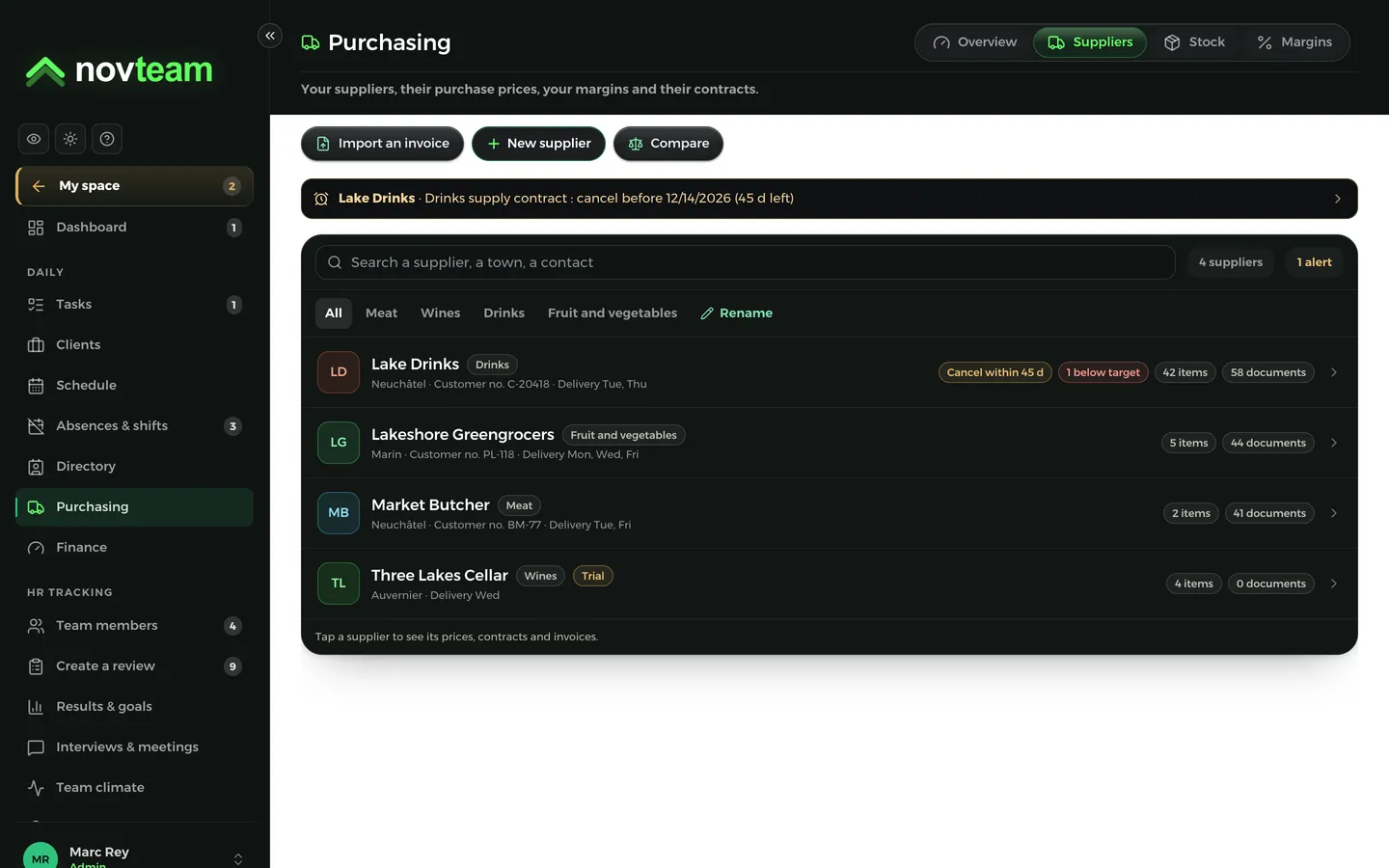
Your suppliers, accounts, stock and margins update from your documents. There’s nothing left to copy out by hand.
Step 1
Hold your phone over the page: it’s found, straightened and cleaned up. Did it arrive by email? Just drop in the PDF.
Step 2
Already on your list? The invoice goes to their record, with their items and prices. A new one? Add them in one click. A one-off purchase? It stays separate.
Step 3
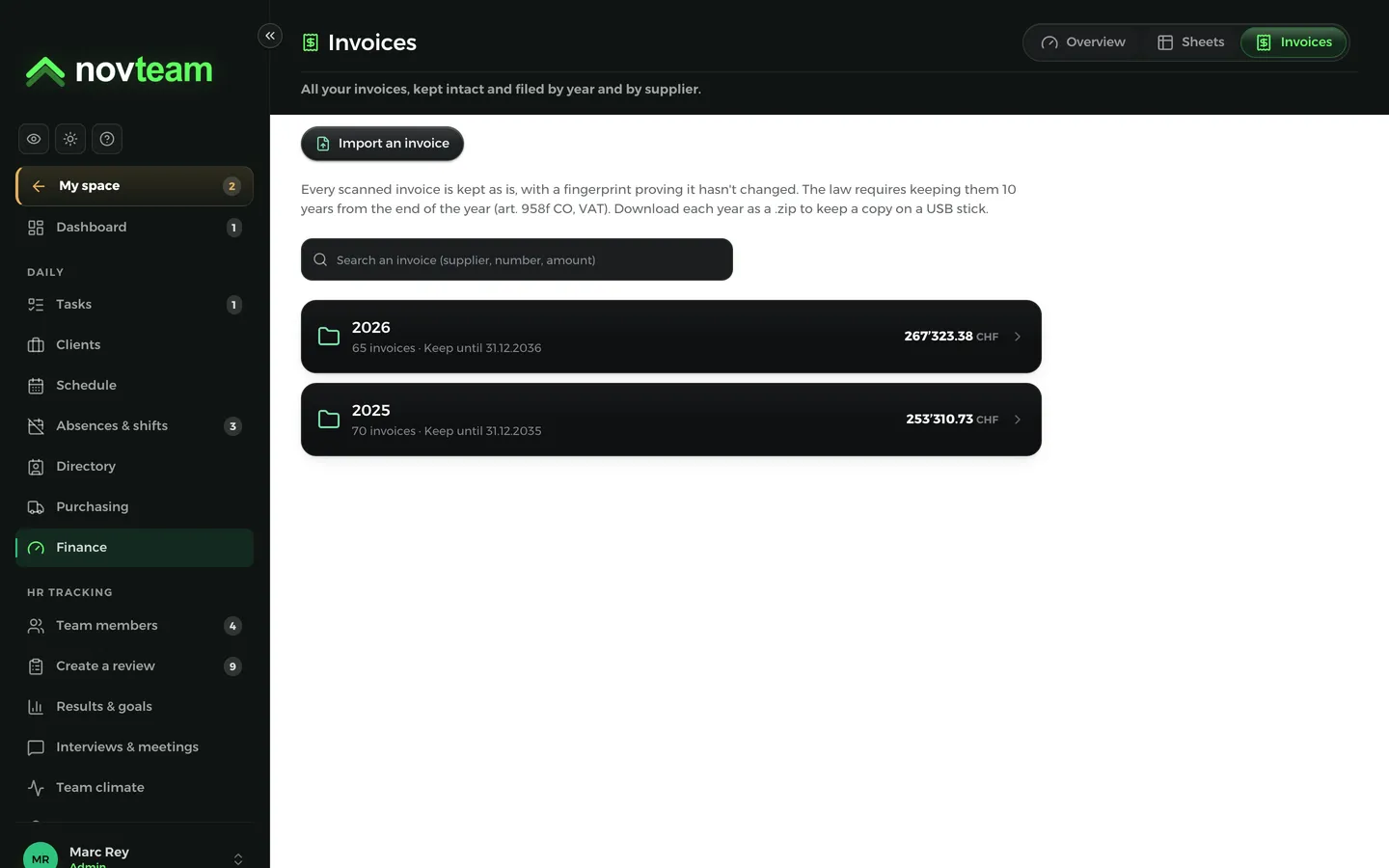
Every invoice is kept unaltered, by year and by supplier, for the 10 years the law requires. One click and its amount reaches Finance. You also see what’s left to pay.
Step 4
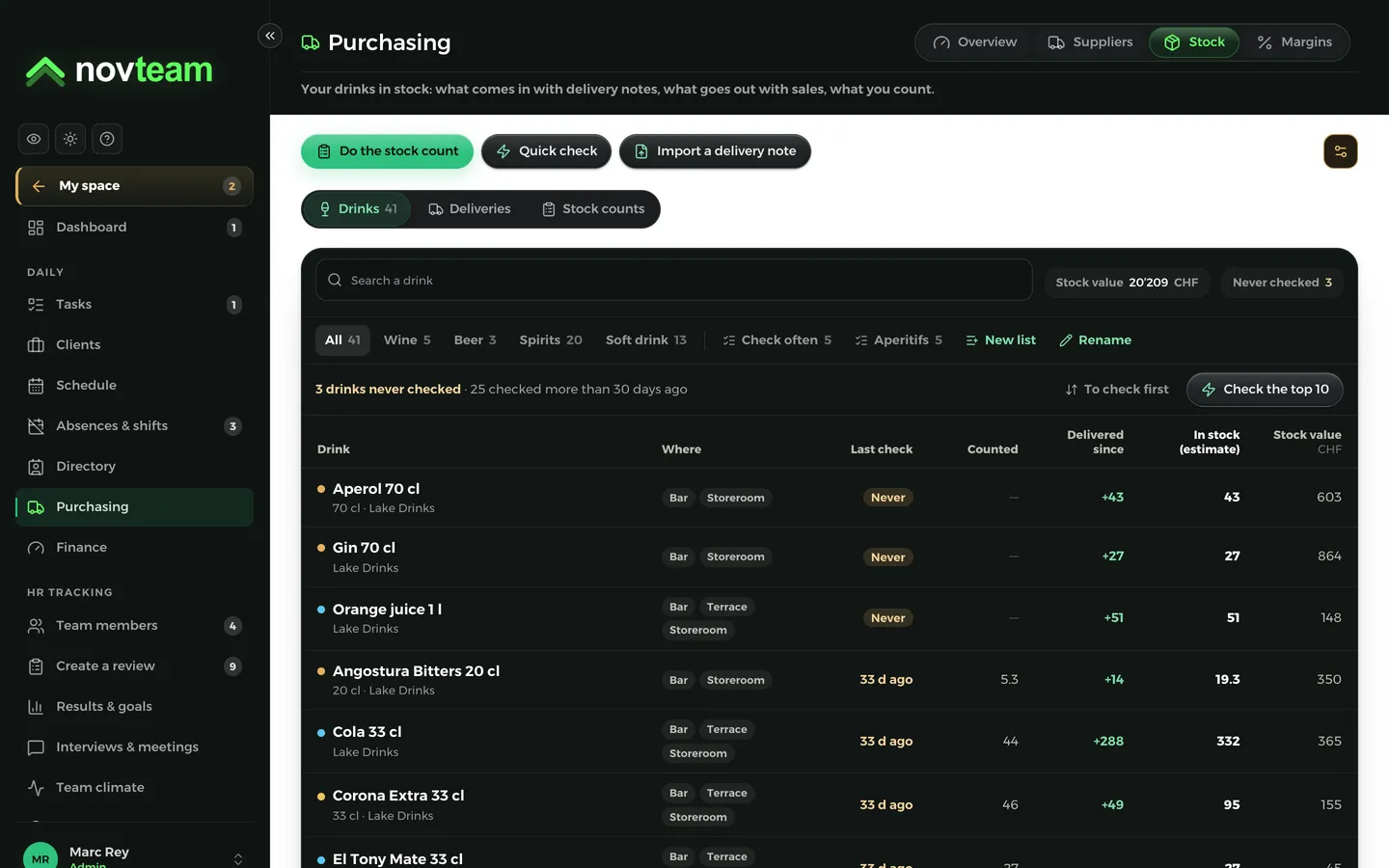
One photo of the note and the bottles are in stock. When the invoice arrives, Novteam compares it with your notes and shows you any differences. Then you count on your phone, with several people if needed.
Step 5
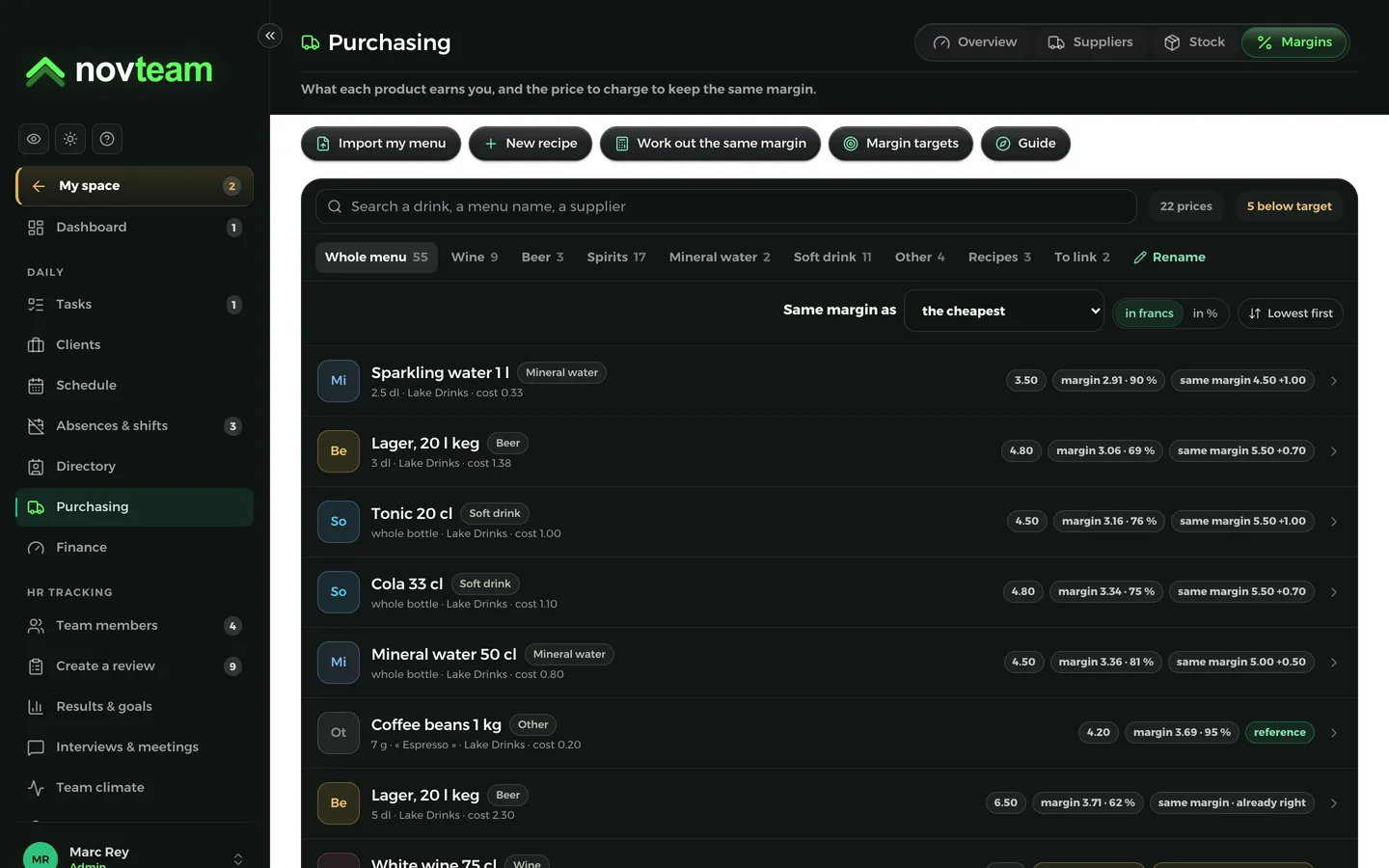
You see what each item on your menu earns, and the price to charge to keep the same margin. A supplier’s increase appears in your alerts on its own.
Step 6
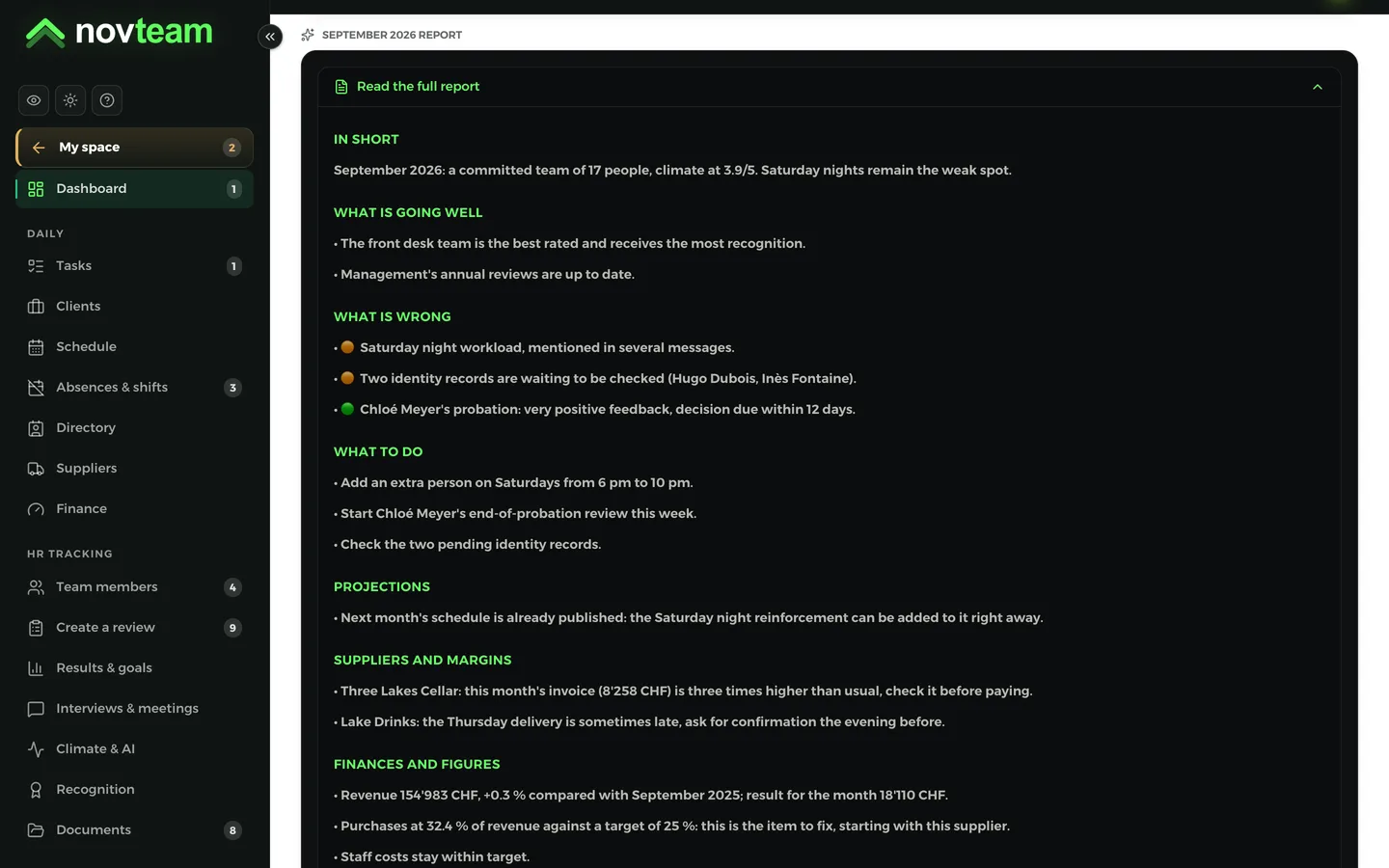
In one click, the monthly analysis reads your purchasing, your sales and your team. It tells you what’s going well, what isn’t and what to do, with a link to the right screen.
1 photo
for an invoice, even across several pages
10 years
of invoices kept unaltered, as the law requires
3 actions
to take each month, with a link to the right screen
Both, each in its own place. The invoice goes to Finance, the delivery note to stock. That way nothing is counted twice.
Yes. Drop in the PDF or a photo already on your phone: the rest is the same.
Yes. Download each year as a zip file, so you can keep a copy on a USB stick too.
The demo holds a year of invoices, deliveries and margins. No account needed.
Open the demo